Illustrative workflow, not a recording of a completed task. All shown data and check output are examples.
RequestDescribe what you need
BuildImplement with context
VerifyRun checks and tests
ReviewSee what changed
A LITTLE LESS BACK AND FORTH
Less switching. More making.
LoopCode connects project context, actions, and checks. Work on APIs, services, automations, and interfaces in the codebase you already have.
A task with a clear finish line. Open your existing project. Give LoopCode the behavior you want and what should stay unchanged. Illustrative examples.
Code intelligence, browser verification, and connected tools
Code intelligence, with context.
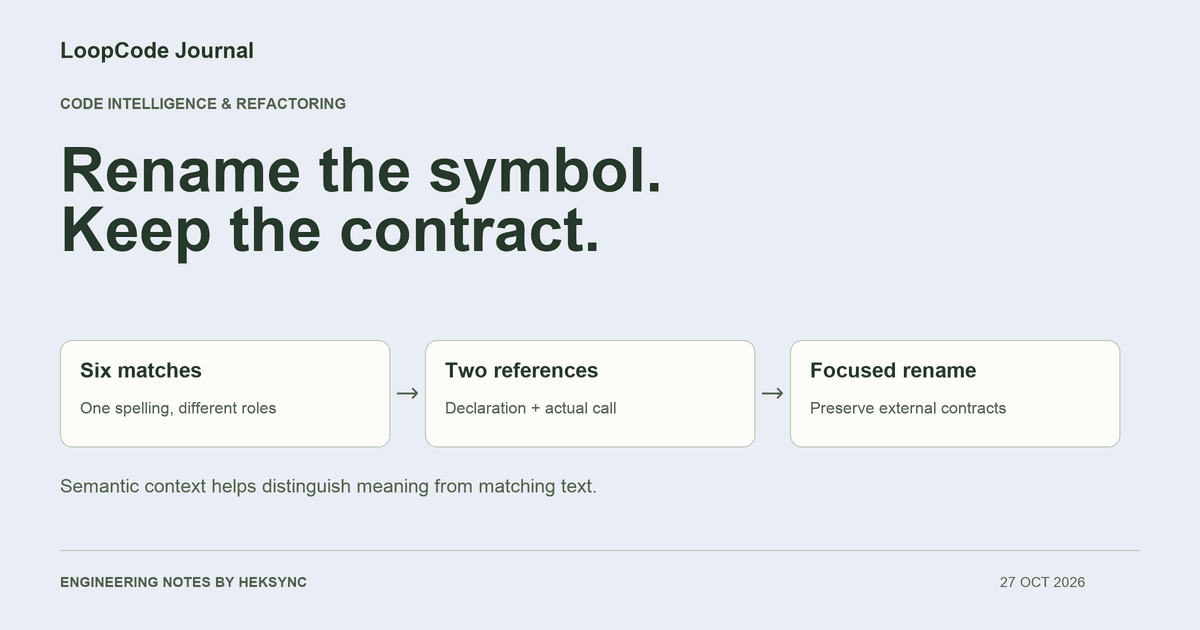
Follow definitions, references, and diagnostics with a configured language server.
One account for desktop, terminal, and VS Code. Paid access lasts 30 days. Your first payment is refundable within 7 days; refund terms apply. Prices in INR; review the final total at checkout.
More free usage for early users · free models refreshed regularly. Model names, when available, come from the current LoopCode catalog. All plans have usage limits; no plan includes unlimited requests. Model choice and task size affect how quickly usage is consumed.
Evaluate LoopCode by the work you can inspect: the files it changes, the commands it runs, and the checks it reports.
Local workspace. Hosted models.
The engine works on your machine and keeps conversations locally. Prompts, relevant code, and tool results are sent to LoopCode’s model service for hosted inference. Local-first does not mean offline.
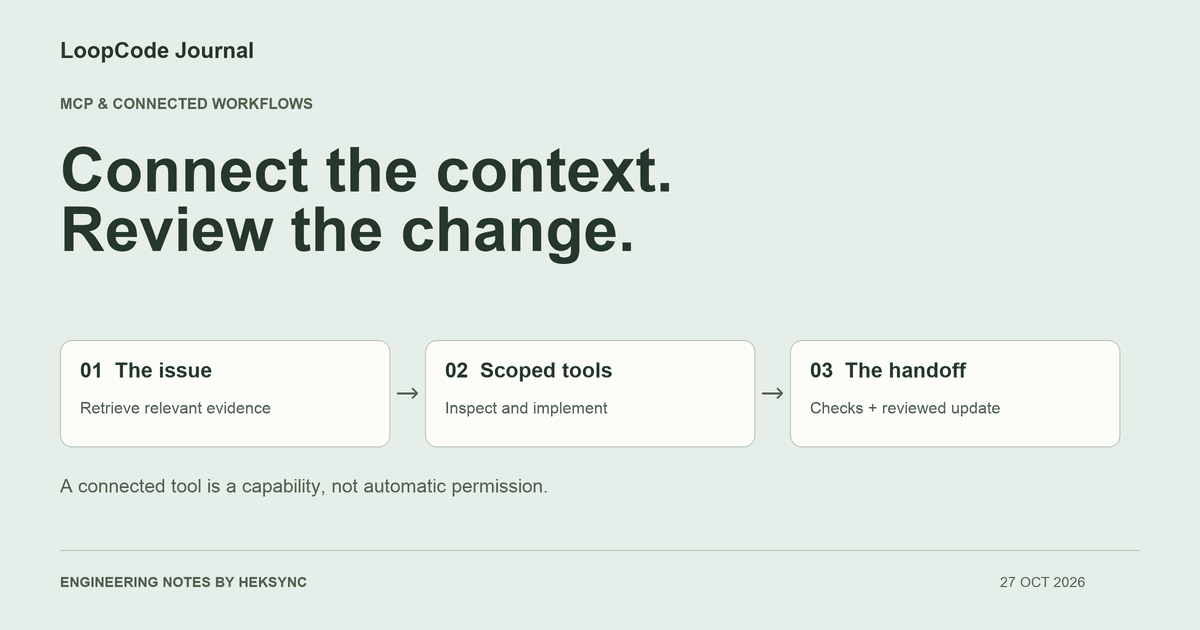
Choose an approval mode, review commands and diffs, and stop a running task. Configure file rules and the command sandbox for your workspace; check external MCP access separately.
Your project files and conversation history are stored locally. Your prompts, relevant code, and tool results are sent to LoopCode’s model service, which forwards them to the selected hosted model. LoopCode is local-first, but hosted inference requires an internet connection.
Early users get an expanded Free allowance to explore real projects. We refresh the Free model selection regularly so more developers can try different models in LoopCode. Check the current model list and your account’s usage meter; usage limits still apply.
Download the app and sign in with Google, GitHub, or email. The same account works in the desktop app, the terminal, and VS Code, and your plan and usage are shared between them.
More questions about LoopCode
LoopCode is a local-first AI coding agent from Heksync, available as a desktop app, CLI, and VS Code extension. Open a project, describe what you want to build or fix, and work with an agent that can inspect files, make edits, and run tools under your configured permissions.
Agent mode starts working on your request. Plan mode explores the codebase and prepares an implementation plan for you to review before changes are made. You can steer the conversation as you work.
Yes. Choose whether to review edits or allow workspace edits automatically. Commands follow the configured permission policy. You can inspect the changes and command output, send new instructions, or stop a running task.
On the Download page. On macOS (Apple silicon or Intel) and Windows, one line installs the desktop app: it downloads the latest release, checks its checksum and that it really is LoopCode, then installs and opens it. Linux has an AppImage and a .deb. Developers can install the CLI from the same page with one command, or install LoopCode in VS Code and work in the editor you already use.
Free to start. Pro is ₹1,499 and Max ₹5,999, each for 30 days of use, paid by UPI, card, or net banking. Plans never renew on their own, and your first payment is refundable within 7 days.
Free has a 7-day usage window. Pro and Max have both 5-hour and 7-day windows. Each window starts with your first request after its previous window expires. Your account shows usage percentages and reset times. Longer conversations, larger code context, and different models can consume the allowance at different rates; an allowance is not a fixed number of messages or raw tokens.
New model requests pause when an applicable usage window is exhausted. Check the reset time in your account and wait for that window to reset, or choose a plan with more capacity. Reaching a limit does not automatically buy more usage or charge your payment method.
No. Free has no subscription charge. Pro and Max are prepaid for 30 days, with no automatic renewal. A paid plan requires an explicit checkout. The first payment is refundable within 7 days, subject to the refund policy. Prices are in INR; check the total shown at checkout before paying.
Yes. Use LoopCode on existing projects to implement features, investigate bugs, refactor across files, and run tests. It can work on APIs, backend services, internal tools, automations, and web interfaces. Supported commands and language intelligence depend on the tools installed in your environment.
Good things start with a little loop.
Open a project. Share the idea. Make the next change.