
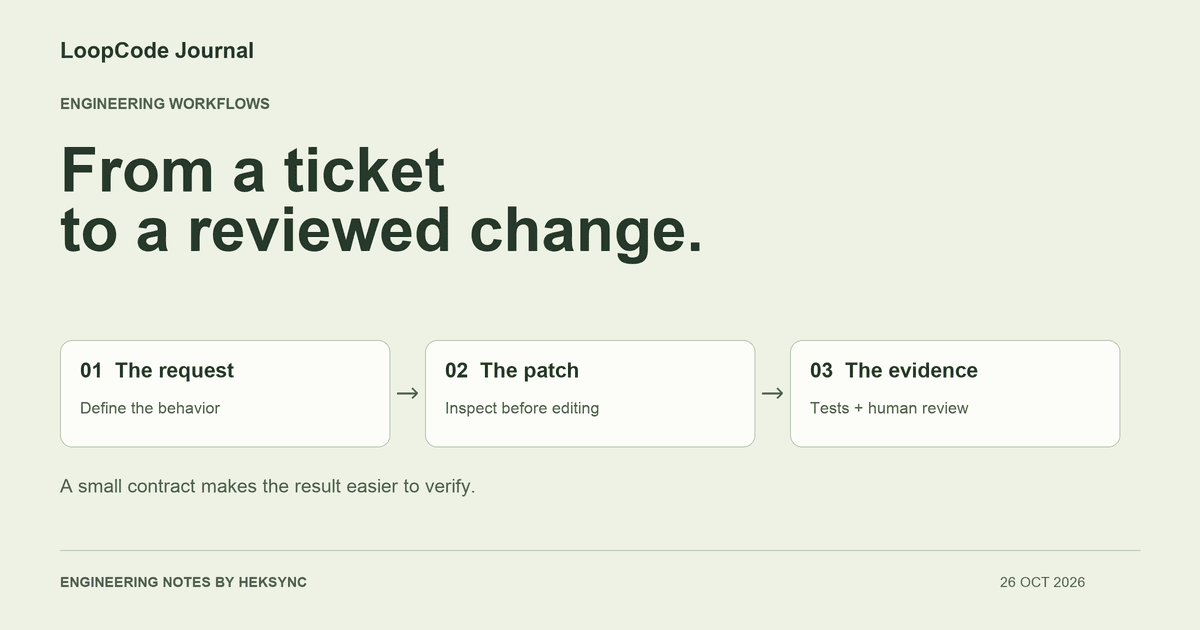
Start with a behavior someone can check
Imagine an existing jobs API that returns every matching row. The next feature is pagination. Asking an agent to ‘add pagination’ leaves several decisions open: the default page size, the largest allowed page, how malformed query parameters behave, and whether existing clients still receive the same response shape. Those are product and API decisions, not implementation details to leave implicit.
Write the observable contract first. In this example, an omitted limit means 20, accepted values are decimal integer strings between 1 and 100, and other values must be rejected at the request boundary. The existing handler should map that rejection to the project's established client-error response. Cursor pagination, database ordering, authorization, and response formatting remain separate concerns.
That small scope matters. It gives the agent a concrete starting point and gives the reviewer something to disagree with. If your framework turns repeated query parameters into an array, for instance, decide whether that array is an error before a convenient conversion quietly accepts it.
Give the agent a bounded ticket
This prompt does not demand a particular helper or library. The agent can discover the project's conventions. It does define what it may change and what evidence you expect at the end. In LoopCode, start in Plan mode if you want to inspect the approach first; use Agent mode when you are ready for tool use under your configured permissions.
Inspect the jobs route, query helpers, and related tests first.
Add bounded page-size validation for GET /api/jobs:
- omitted limit defaults to 20;
- accept decimal integer strings from 1 through 100;
- reject empty, fractional, negative, repeated, or malformed values;
- use the existing API error format and preserve successful responses.

Add regression coverage. Run the relevant checks after the final edit.
Do not change authentication, dependencies, or database schema.
Report changed files, checks actually run, and anything unverified.Find the boundary before writing the helper
Have the agent locate the route, the query parser, the database call, and the nearest tests. A validation helper in the wrong layer can leave another caller unprotected. Conversely, changing a shared parser can affect routes outside this ticket. Ask which callers would change before accepting that design.
Use language-server definitions and references when the project has a configured server. Treat those results as navigation evidence, not a complete inventory of runtime callers. Framework routing, dynamic imports, and external consumers may need ordinary searches and integration tests as well.
Keep the first patch focused. A pagination ticket is a poor reason to rename the service layer, replace the test runner, or reformat unrelated files. A smaller diff makes the boundary behavior and any unintended change easier to inspect.
A runnable example: reject partial numbers
Here is an original, dependency-free example of that input contract. It is an illustration of one boundary, not a complete endpoint or a benchmark of an agent. The important detail is validating the entire string before converting it. A permissive parser can turn a malformed value such as 10abc into a plausible page size.
Save the helper as limit.mjs and the following tests as limit.test.mjs in a separate example directory. The downloadable bundle contains both. A real route still needs to handle the thrown error using its own error convention; do not copy a standalone helper into production without connecting that behavior.
// limit.mjs — example input boundary, not a complete API implementation.
export function parseLimit(raw) {
  if (raw === undefined) return 20;
  if (typeof raw !== 'string' || !/^\d+$/.test(raw)) {
    throw new RangeError('limit must contain decimal digits');
  }
  const value = Number(raw);
  if (!Number.isSafeInteger(value) || value < 1 || value > 100) {
    throw new RangeError('limit must be between 1 and 100');
  }
  return value;
}
Use independent acceptance tests
Write down the edge cases independently of how the agent implements them. The test should reject a fraction because the API requires an integer, not because the helper happens to use a particular regular expression. The cases below also cover omitted input, both accepted bounds, whitespace, exponential notation, repeated parameters represented as an array, and an unsafe integer.
Run node --test limit.test.mjs from the example directory. We checked these exact examples with Node.js 24.11.1: all 14 tests passed. Replacing the helper with a permissive parseInt-based implementation makes the suite fail. That demonstrates what these tests catch; it does not prove the surrounding API or any generated change is correct.
// limit.test.mjs
import test from 'node:test';
import assert from 'node:assert/strict';
import { parseLimit } from './limit.mjs';

test('omitted limit uses the default', () => {
  assert.equal(parseLimit(undefined), 20);
});
test('valid bounds and a normal page size are accepted', () => {
  for (const value of ['1', '25', '100']) {
    assert.equal(parseLimit(value), Number(value));
  }
});
for (const value of ['0', '-1', '101', '2.5', '10abc', '1e2', '',
                     ' ', '9007199254740993', null, ['25'], 25]) {
  test('rejects ' + JSON.stringify(value), () => {
    assert.throws(() => parseLimit(value), RangeError);
  });
}
A passing helper test is only one part of verification
Next, exercise the actual route. Confirm that omitted input reaches the query with 20, an invalid limit returns the intended error, and repeated query parameters are represented as you expected. Check ordering and pagination behavior against the actual data store. Those integration checks are outside this standalone example and must be supplied by your project.
Inspect the final patch with git diff, then use git status --short to find newly created files too. An ordinary diff does not show the contents of untracked files. Read the new tests and helper before adding them to a commit. Also check whether generated files, a lockfile, or unrelated formatting slipped into the change.
Ask for commands and exit results from the final version, not a general assurance that everything works. If the agent ran a test before its last edit, run it again. If the database or test environment was unavailable, record that limitation explicitly instead of treating the missing check as a pass.
Use the same method in LoopCode
LoopCode works with local projects through desktop, terminal, and VS Code. It can inspect files, make edits, and run tools under your permission settings; you can review command output and diffs and steer the conversation. Hosted inference sends prompts and relevant code or tool results to the model service, so choose a project you are allowed to use with that service.
Start with one representative ticket rather than an entire backlog. Decide the acceptance checks, give the agent a bounded request, and review the resulting evidence. The useful outcome is an accepted change you understand, even when the final answer is that more work or a human decision is needed.
KEEP GOING
A useful next step.
Put it to work in your project.
Desktop, CLI, and VS Code. One LoopCode account. Free to start.